 |
GaIA BIOS Library
|
|
GaIA BIOS Library
|
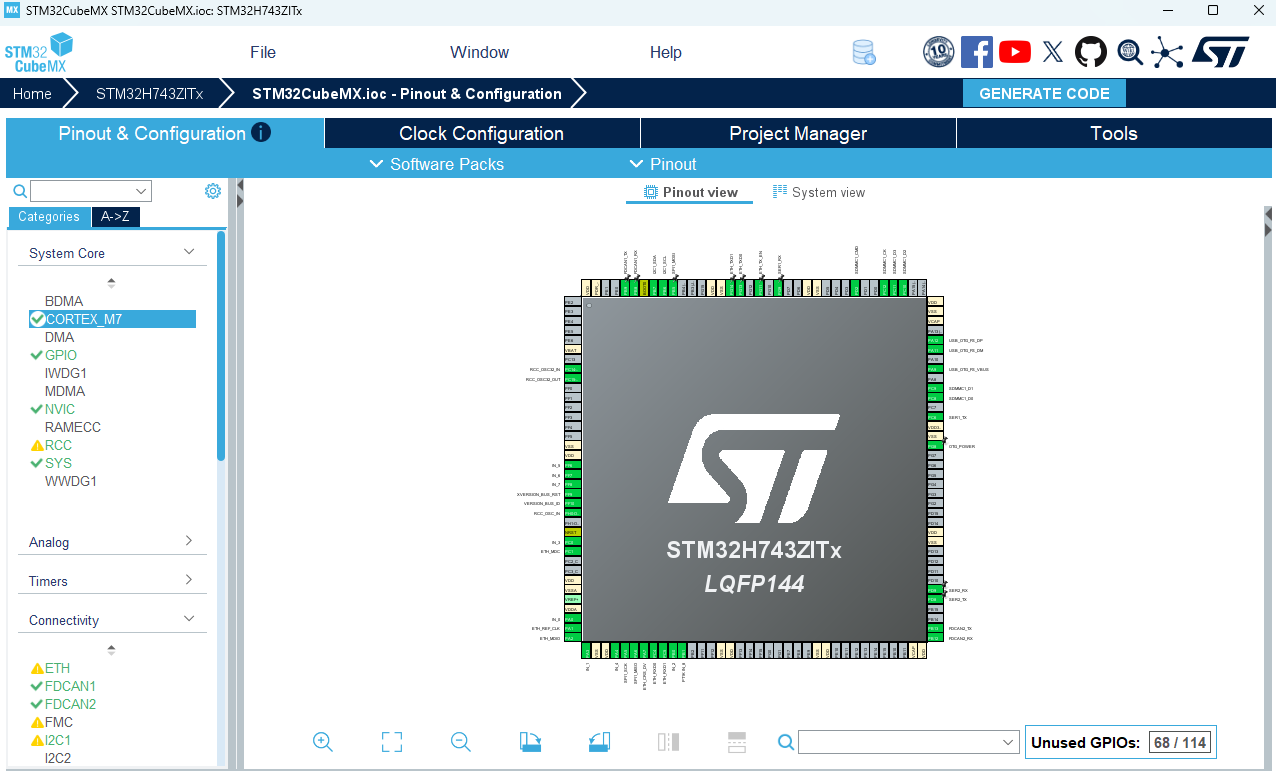
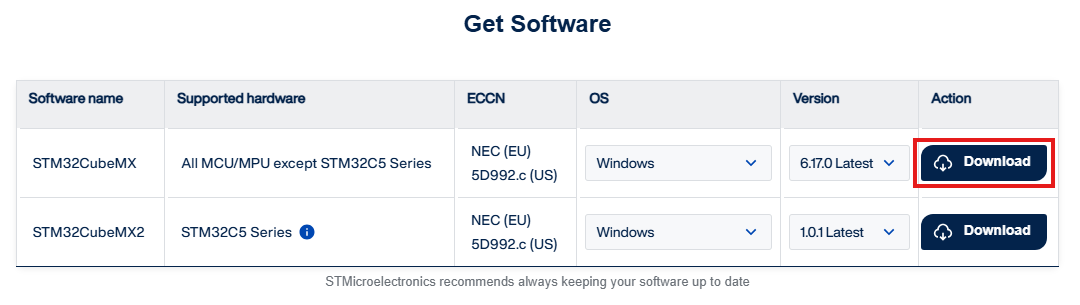
Click here to install the software. A registration to ST is necessary to download the tool.
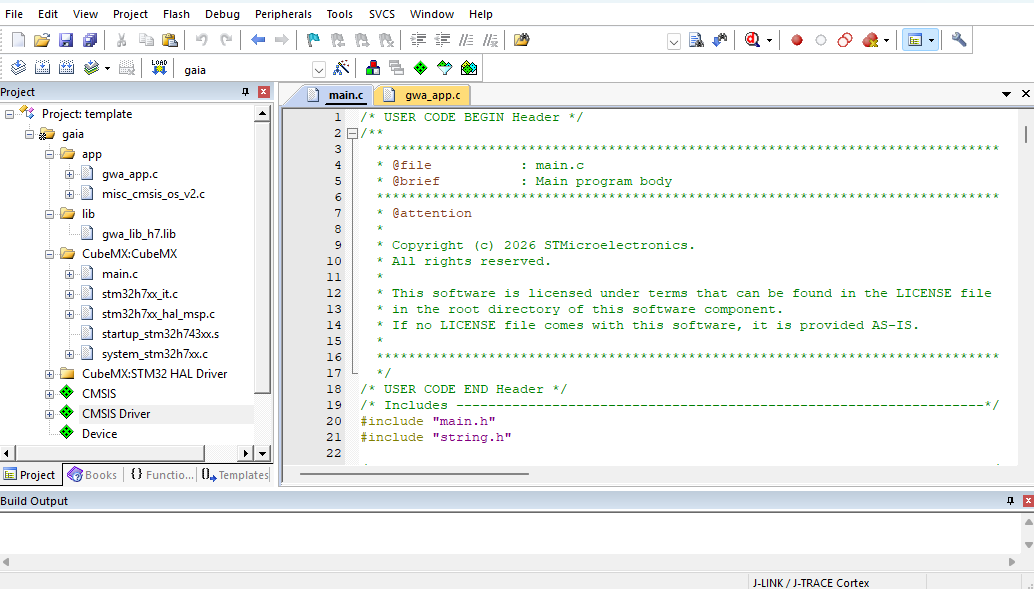
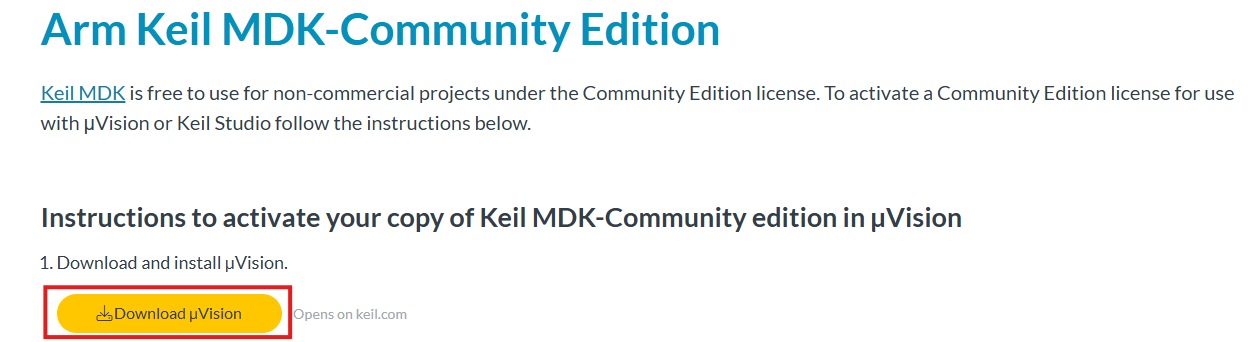
Click here to install the software and activate a free Community Edition License (follow steps 1-9 of the instructions at the provided link).
Alternatively, for the AzureRTOS examples, you can use
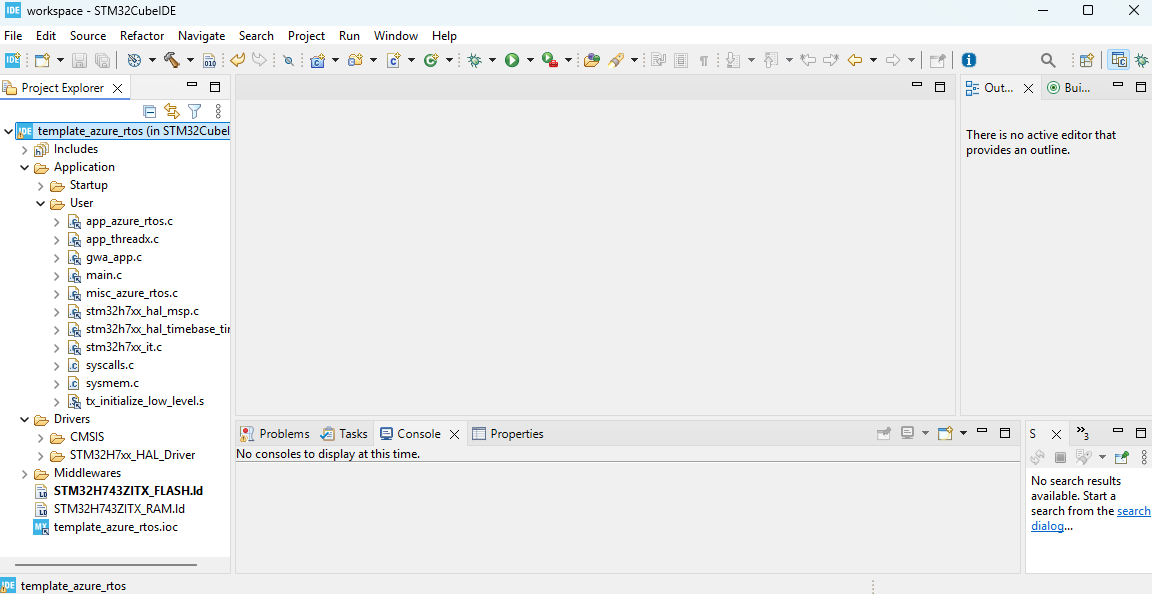
Click here to download and install it.
The example projects assume the packages installed in the following directories:
C:/ST/STM32Cube/Repository/STM32Cube_FW_H7_V1.13.0
C:/ST/STM32Cube/Repository/Packs/STMicroelectronics/X-CUBE-AZRTOS-H7
Therefore, select the following
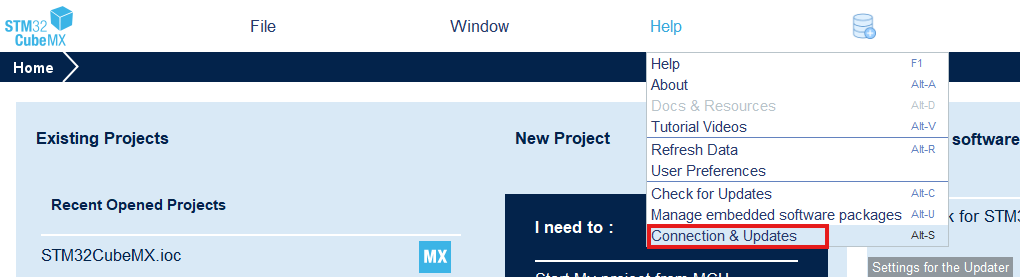
and make sure to have the exact path for the Firmware Repository:
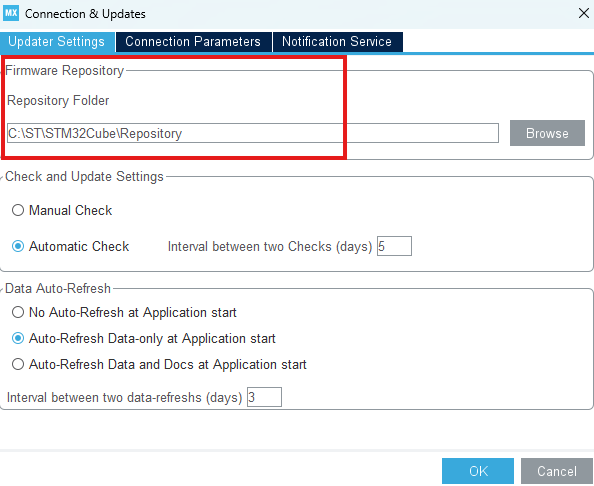
Then click OK to save the settings.
To install the Packages, click on either of the highlighted buttons
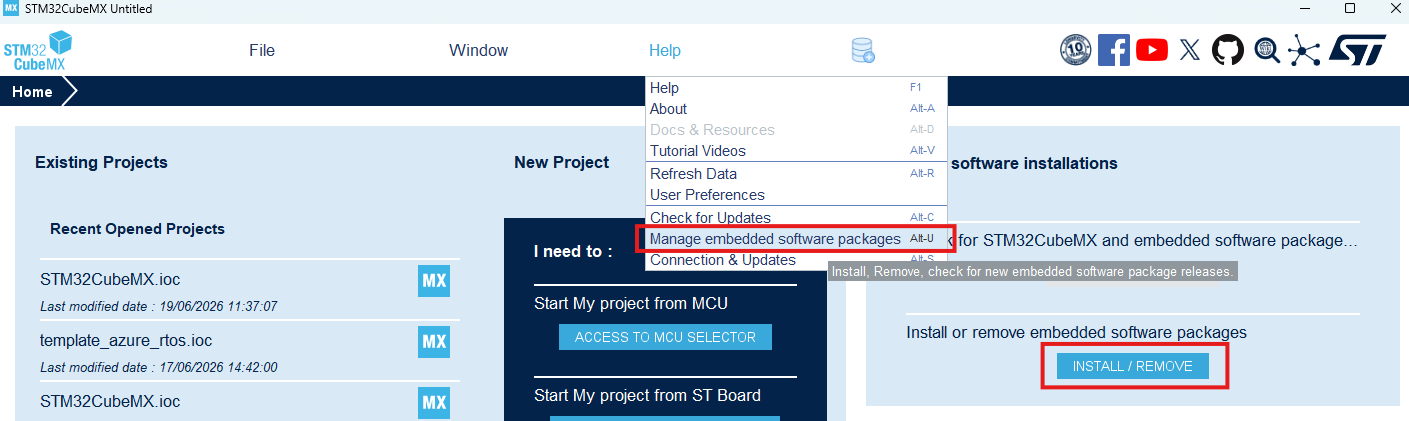
and install the following firmware packages:
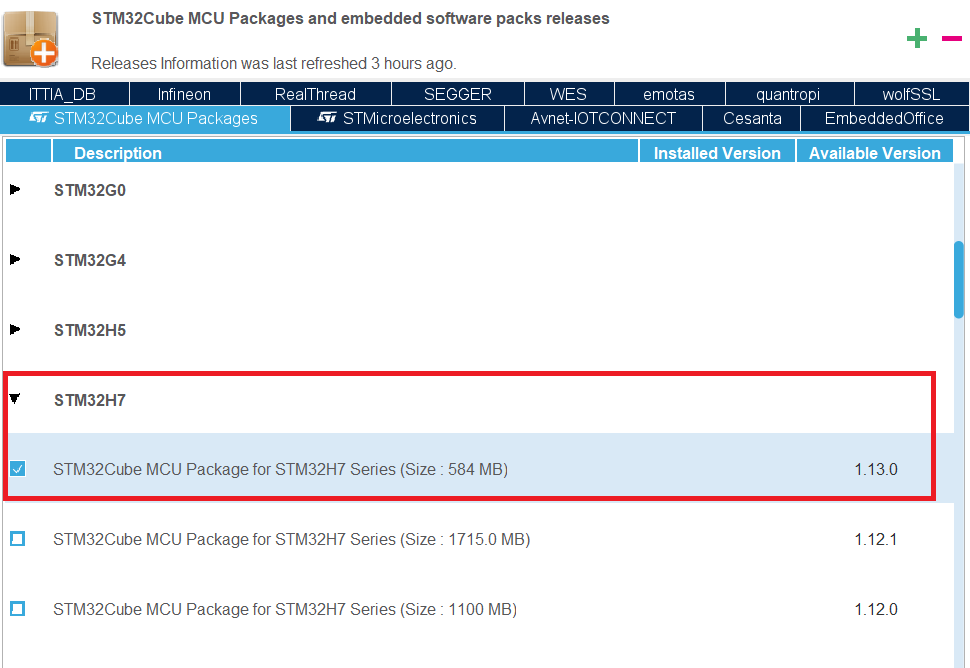
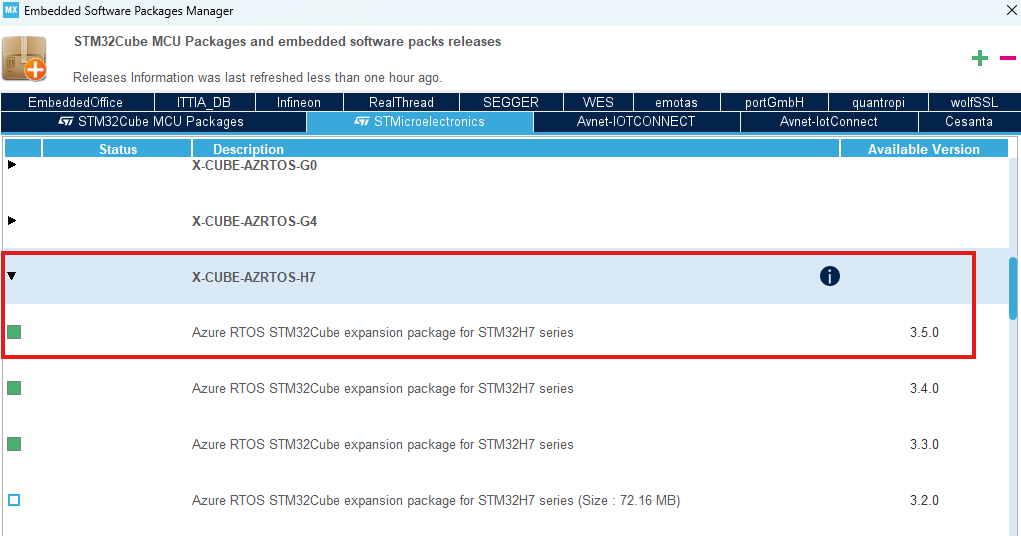
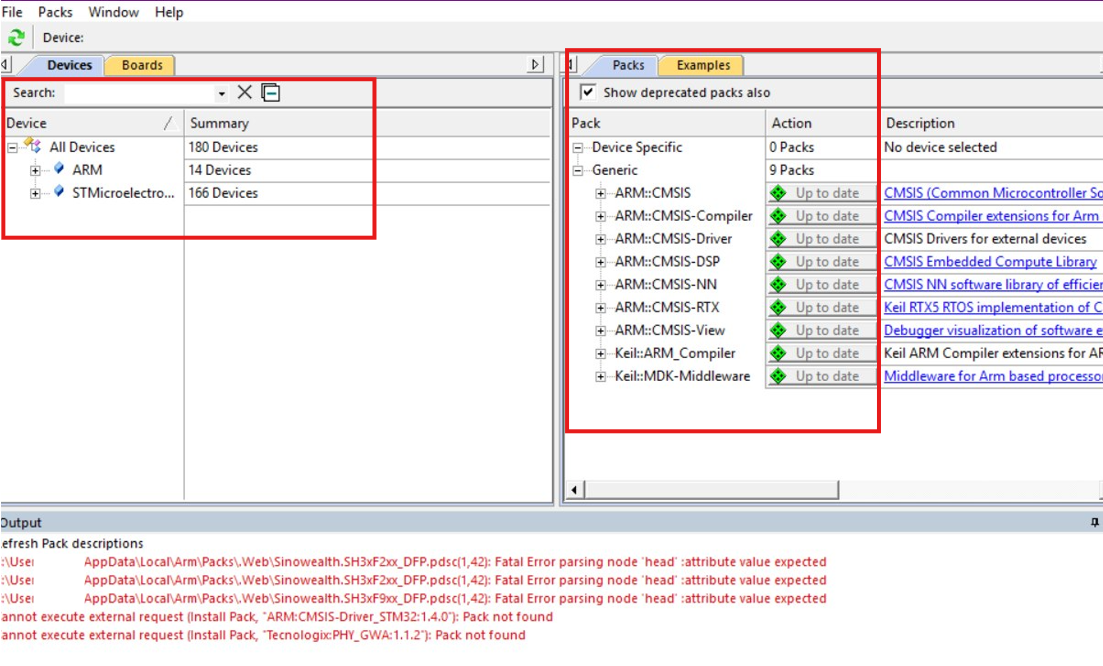
Due to some known issues with the provided version of the Pack Installer, it's highly recommended to follow these instructions:
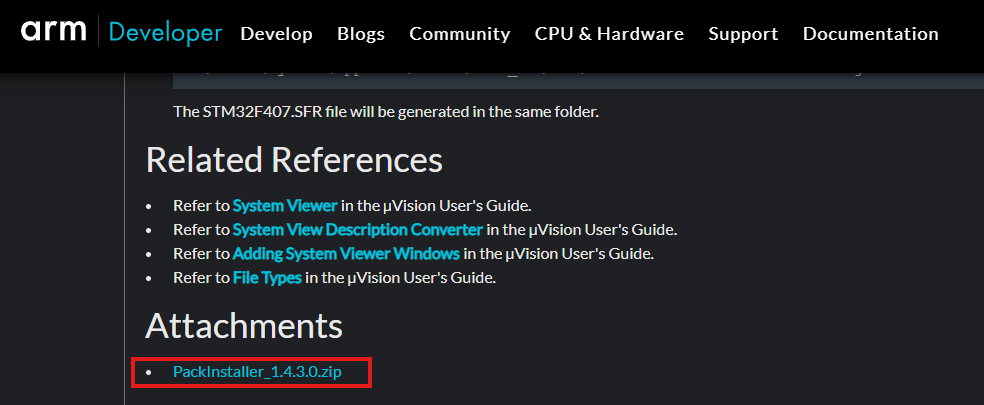
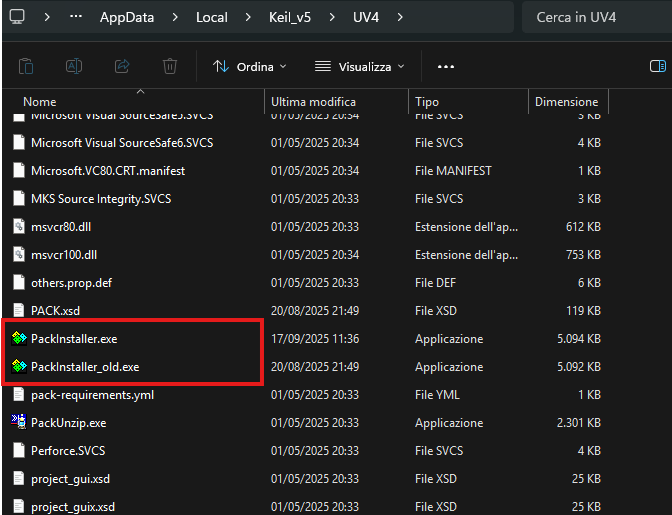
Download the following software pack:
To install it, simply double-click the downladed pack archive and follow the installation wizard.
 1.14.0